Affinity finally comes to iPad, and illustrators get a free all-in-one app
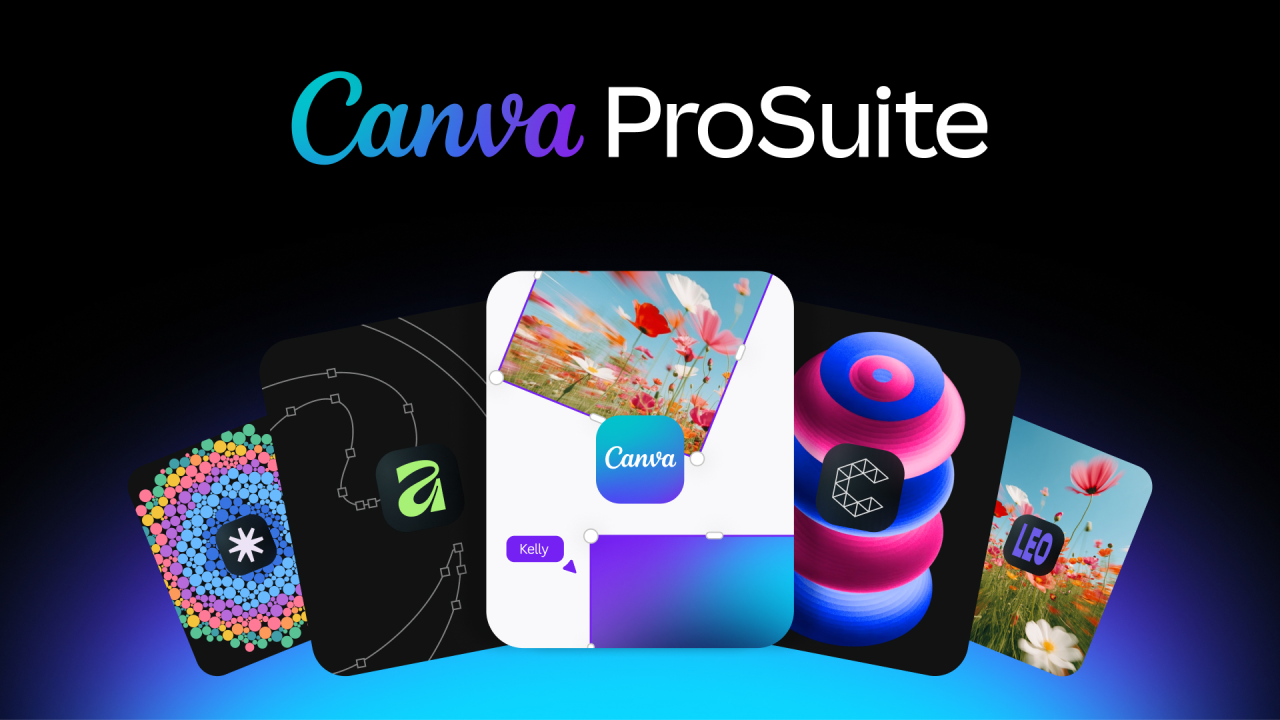
It's official. Canva has launched Affinity for iPad today. The single app doesn't just make your life easier – the core tools won't cost you a penny, either.
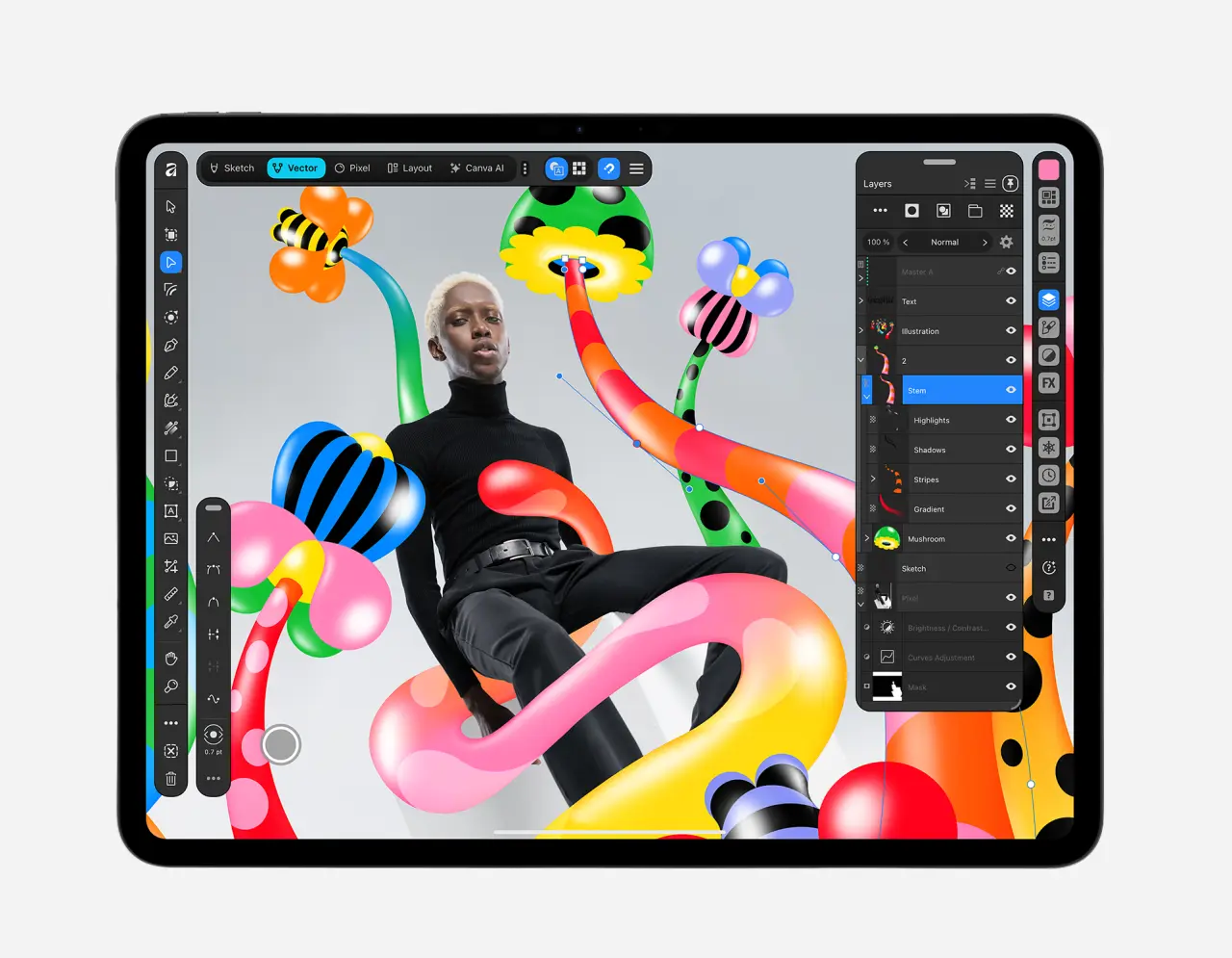
If you've ever sketched in one app, turned your work into vectors in another, retouched the photos in a third tool and then laid the whole thing out in something else, then you'll be fully aware how slow and frustrating the creative process can be sometimes.
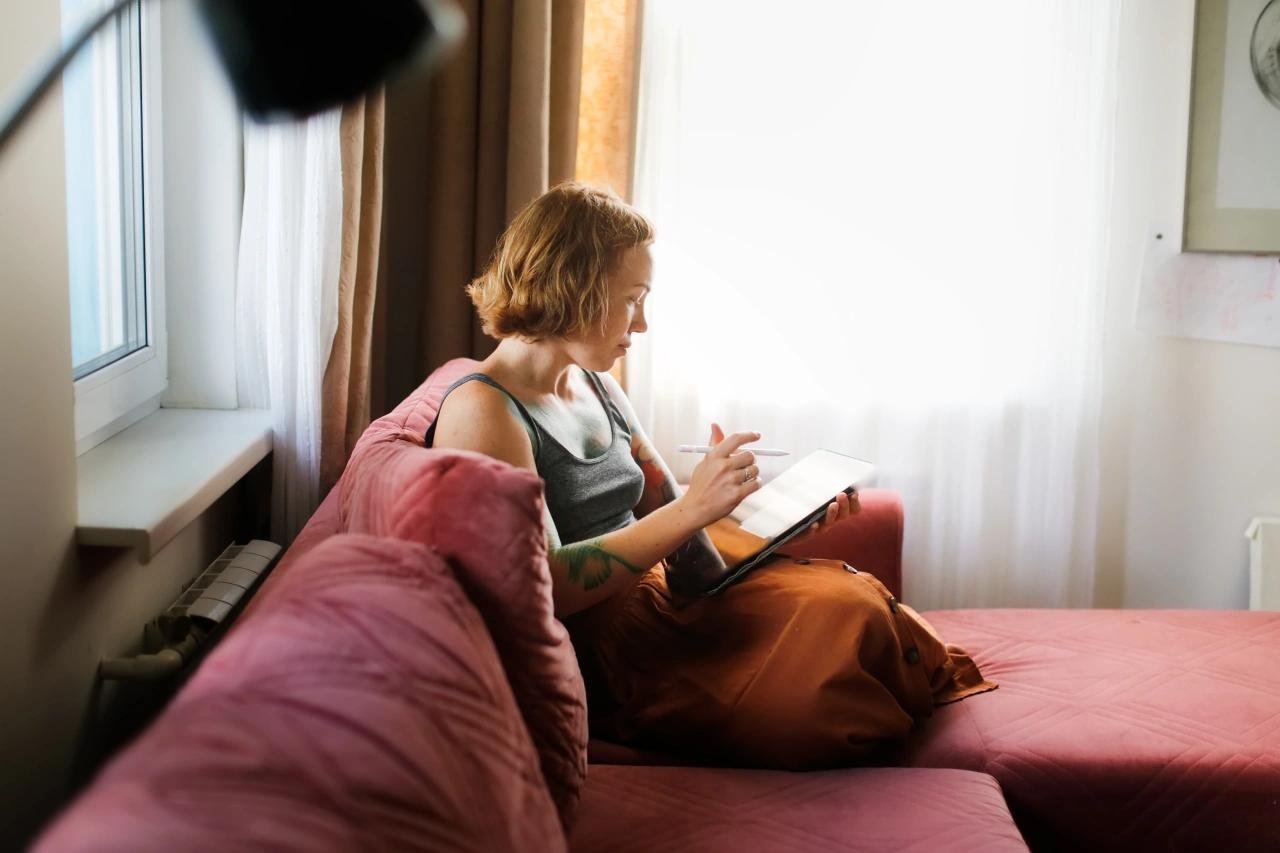
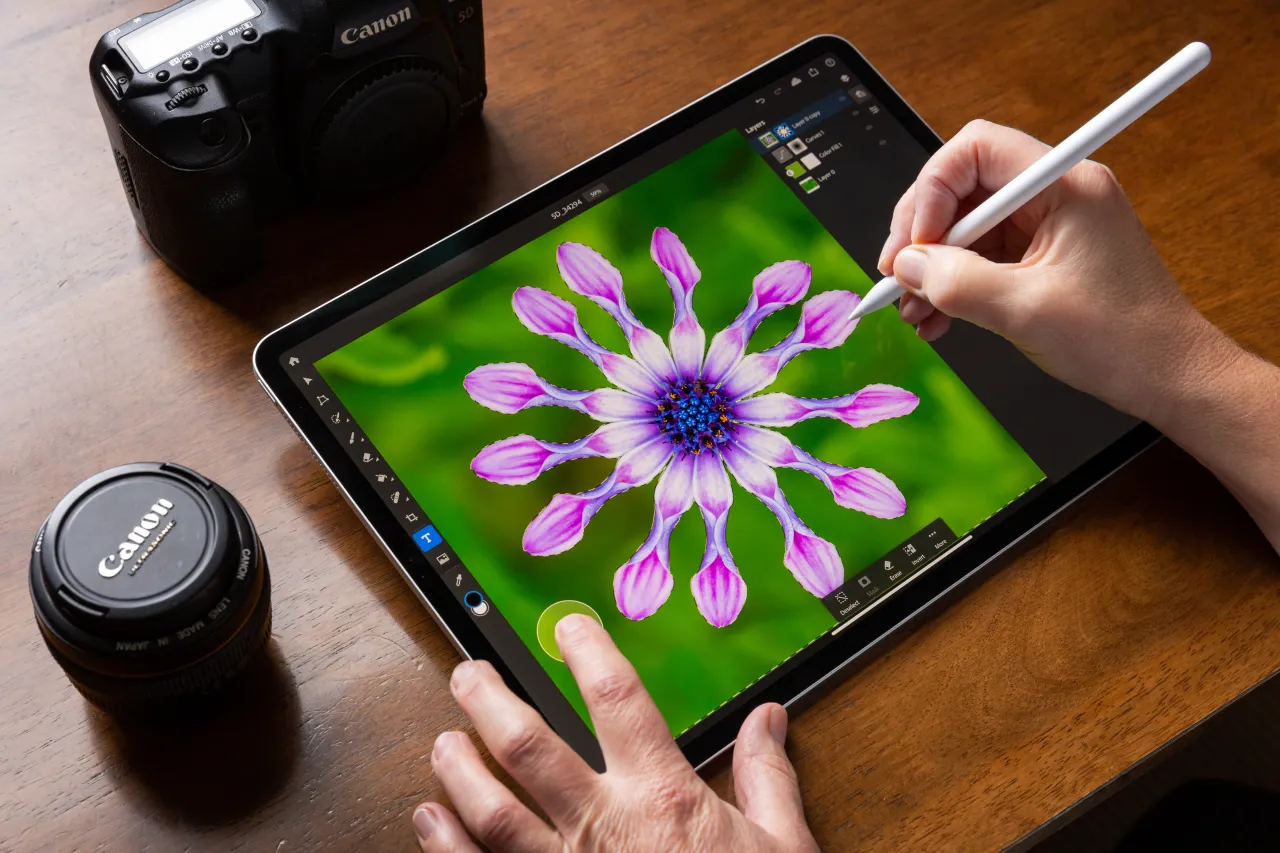
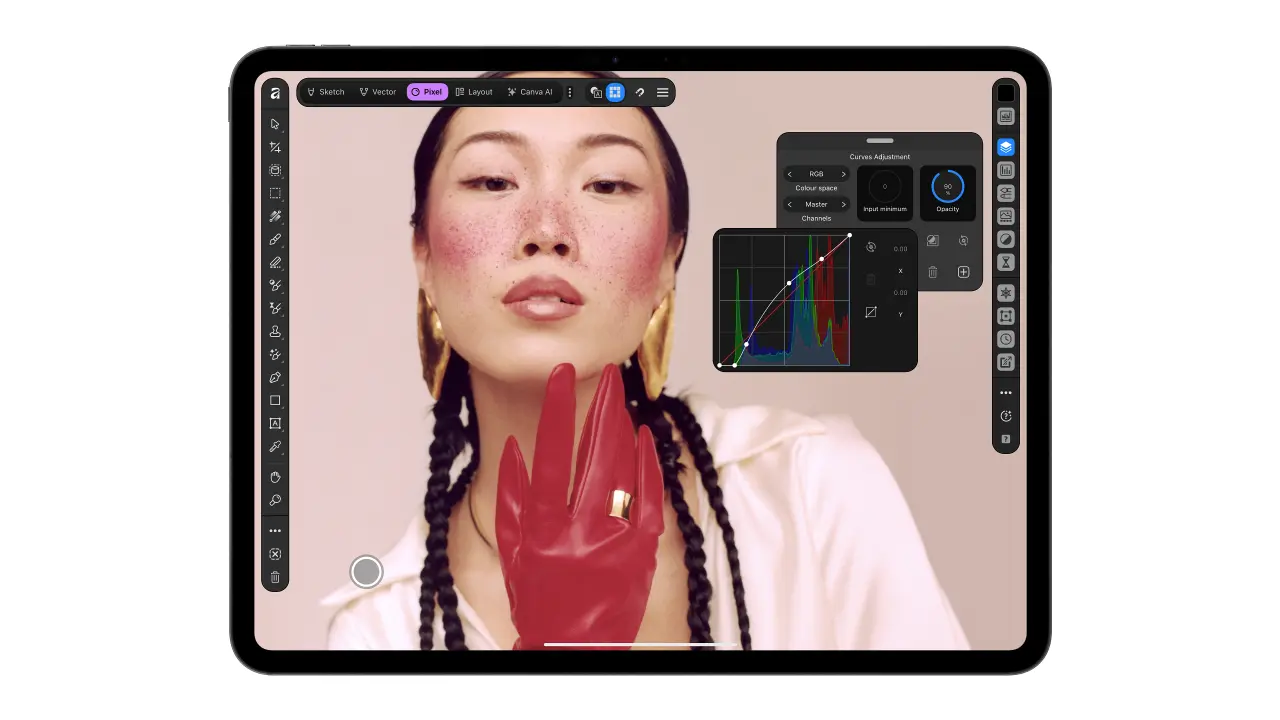
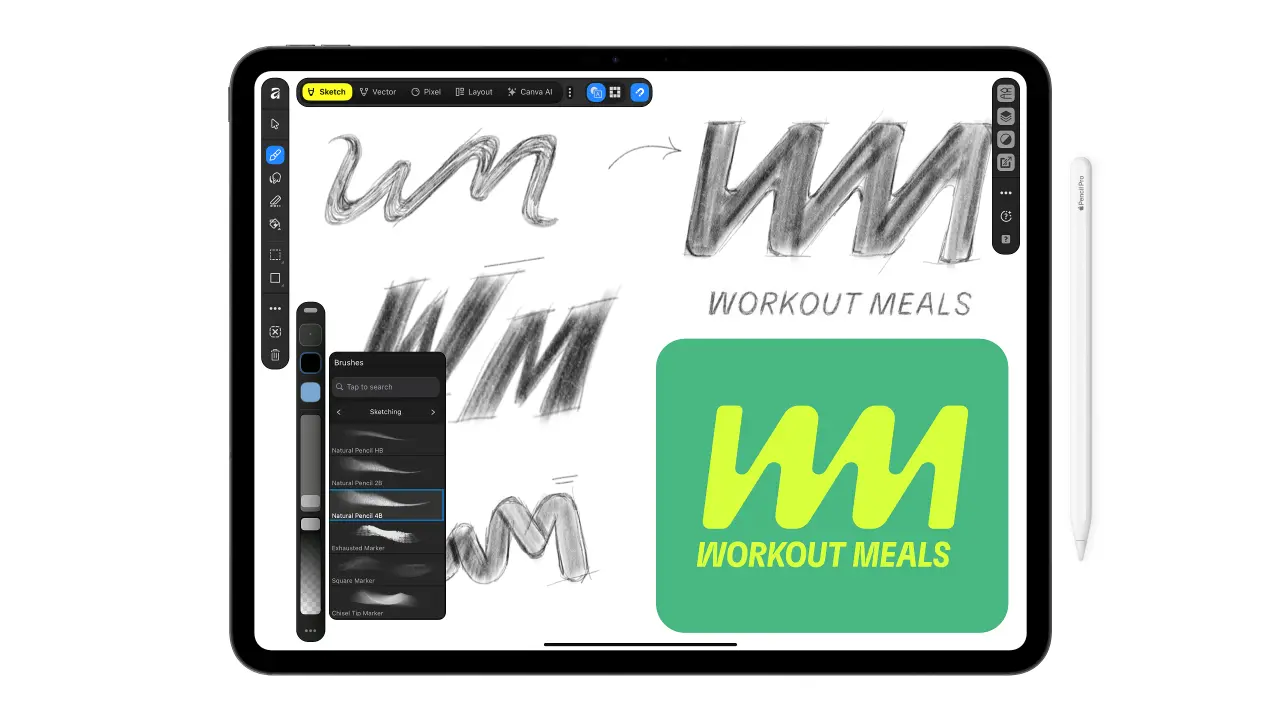
The good news is, as of today, Canva has launched Affinity for iPad, which puts sketching, vector design, photo editing and page layout in one app built for touch and Apple Pencil. And it couldn't have come at a better time.
In a year when it's felt quite disheartening for illustrators, it's ace to see Affinity listening to its users and creating something specifically for the people who actually draw for a living.
"Since we brought Affinity together on desktop, our biggest user request has been the desire to bring it to iPad," says Duncan Clark, CEO of Pro Design at Canva. "Today, we're delivering it: a fully-fledged, professional app built for touch."
The best bit? It's free for individuals, just like Affinity desktop, which has had more than seven million sign-ups since it launched a year ago. You'll need a free Canva account to get going. Any AI features will need a Canva Premium account.
Everything in one file
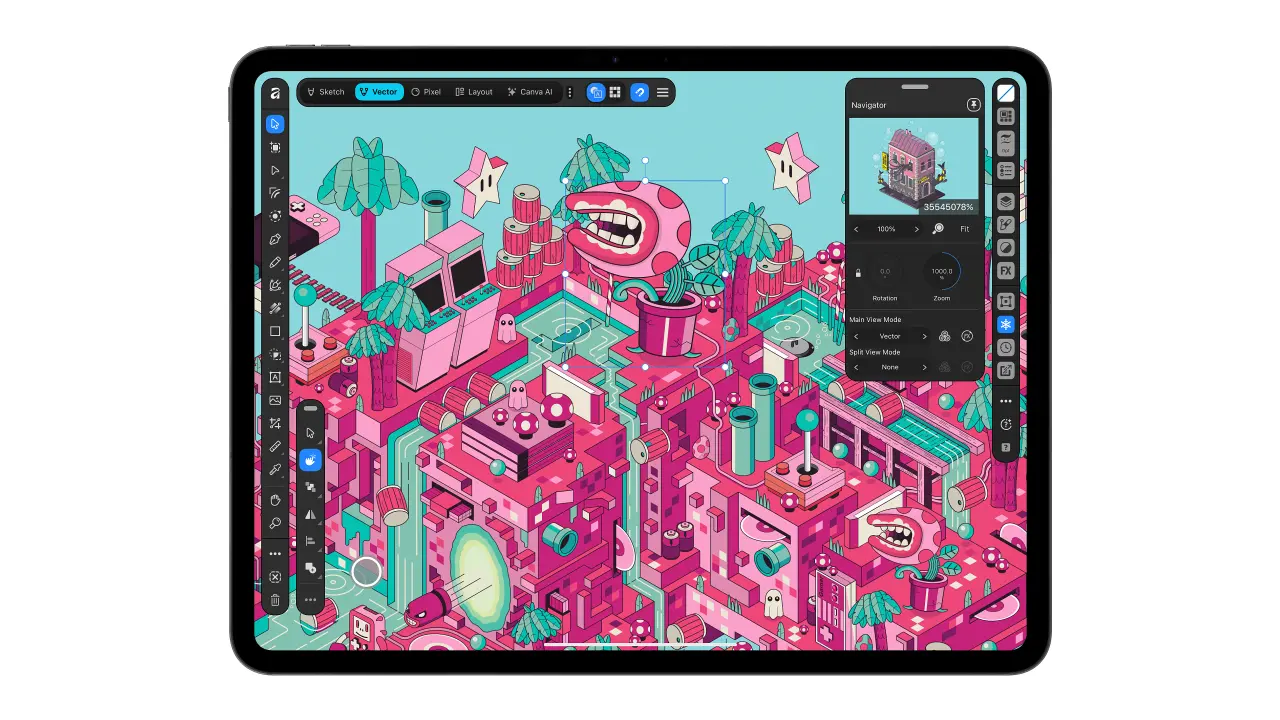
What I'm especially impressed by is that sketch, vector, photo and layout all live in the same .af file so that you can switch between them quickly and easily. Nothing needs exporting, converting or remaking – music to our ears.
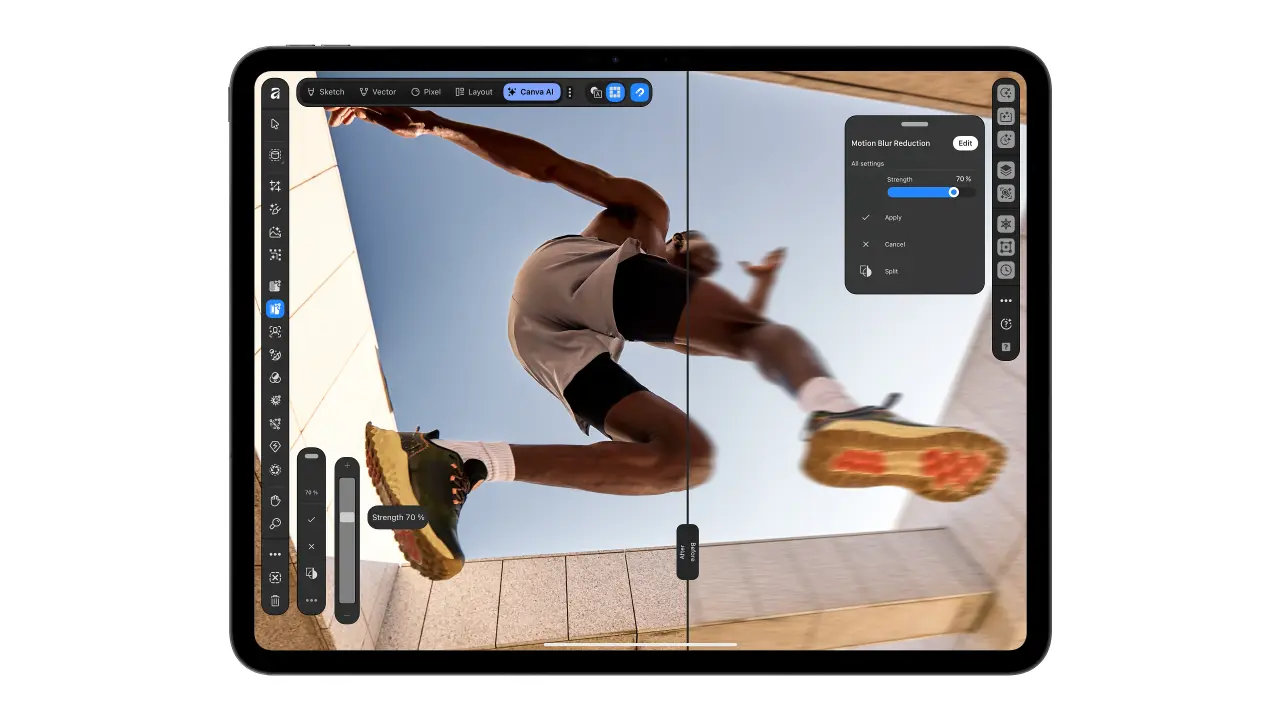
There's a new Sketch Studio that picks up Apple Pencil's pressure and tilt. Plus all your sketches stay live in the file, so you can build on them rather than start all over again. Sketch to Shapes is a feature that turns hand-drawn forms into clean vectors. And the new Mask Tool follows tricky edges as you draw, so stuff like hair and fur "take a stroke rather than an afternoon". Awesome.
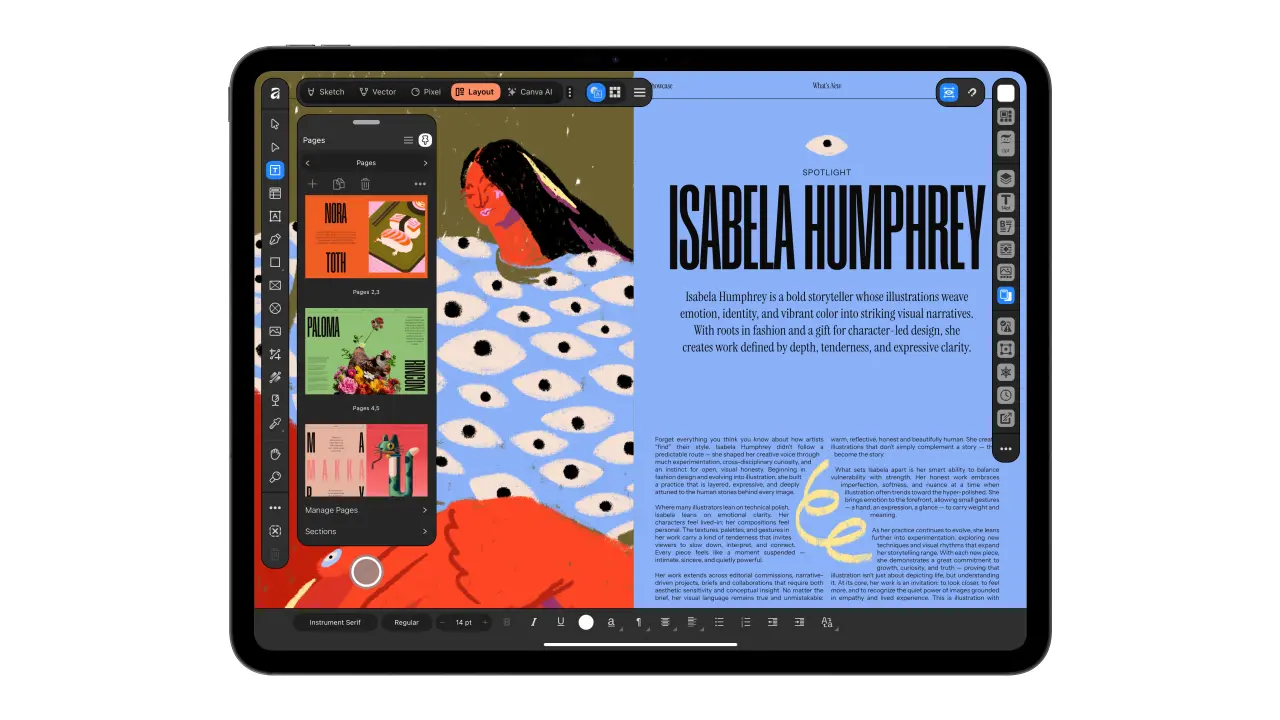
On the layout side, you can make zines, lookbooks and photo books. You'll find master pages and grids that keep everything consistent, too. And you can take the whole project through to a print-ready file, all with proper colour handling.
This is all in the spirit of Canva's mission – to make creative tools easy and accessible for all. And I don't write that from a press release. They're my own observations from various Canva events lately.
What else is new?
The interface has been designed for iPad from scratch rather than shrunk to fit. It also supports everything Apple Pencil Pro can do, from pressure and tilt (as I said previously) to barrel roll, squeeze and hover.
Of course, Affinity is hardly new to any of this. Affinity Photo was named Apple's iPad App of the Year back in 2017. Canva says the new app was shaped by feedback from designers, illustrators and photographers, including its own designer advisory board.
"Affinity has built groundbreaking tools for iPad for almost a decade, and our community has shaped every step," says Duncan.
And yes, there's AI
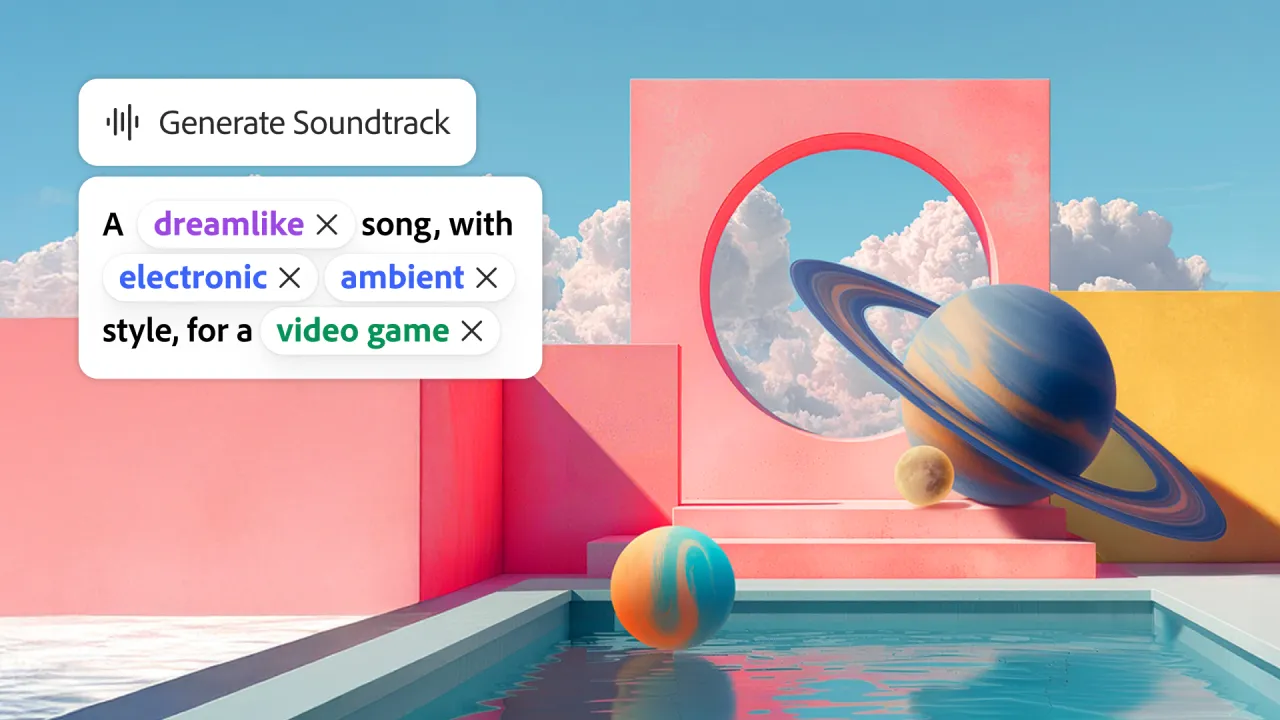
AI has arrived in Affinity for iPad for the first time through Canva AI Studio. What does that entail exactly? Well, there's something called Generative Expand. There's upscaling for low-res references and textures, and instant motion blur and noise reduction. And a new feature called Decompose Layer splits a flat image into editable layers. Wowee.
Canva's defence is that the AI handles the tedious stuff while you keep full control. And AI is "there when users want it and out of the way when they don't".
(Full disclosure: I'm heading to London tonight to host a panel at the official launch, so I'll report back soon.)
My fave line from today's big announcement, though, comes from Neil Ladkin, Affinity's head of product design: "If you're the sort of person who rotates the canvas 40 times to get one line right, Affinity for iPad was made by people who've done exactly that." It's a line to make any discerning creative feel seen.
Affinity for iPad is available now on the App Store. Find out more on Affinity's website.

Editor's Picks



Trending


Latest Jobs
Brand & Motion Designer at Kamino
Full-time·New York·$100,000–$150,000
Senior Content Designer – Spend at Wise
Full-time·London·£72,000 – £105,000
Senior Brand & Creative Lead at Zinc
Full-time·London·£65,000 – £75,000
Copywriter, Developer at Anthropic
Full-time·San Francisco·$200,000 – $255,000
Growth Marketing Lead at Anthropic
Full-time·San Francisco·$320,000 – $400,000
Associate Creative Director, Events at The New York Times
Full-time·New York·$148,000 – $170,000